01
Make the server reachable
If needed, use Tailscale or another private network so the phone can reach the work server. This is preparation, not a Termosh feature.
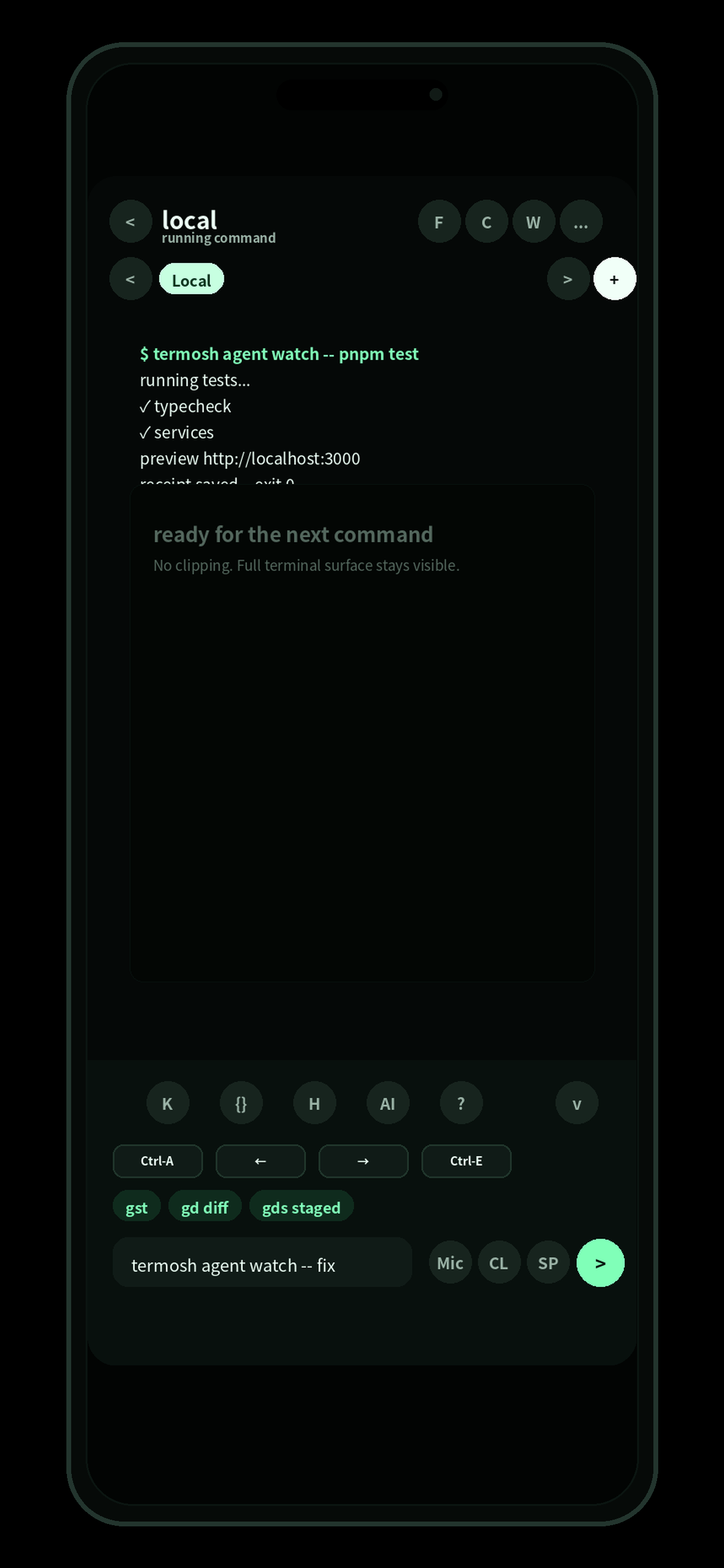
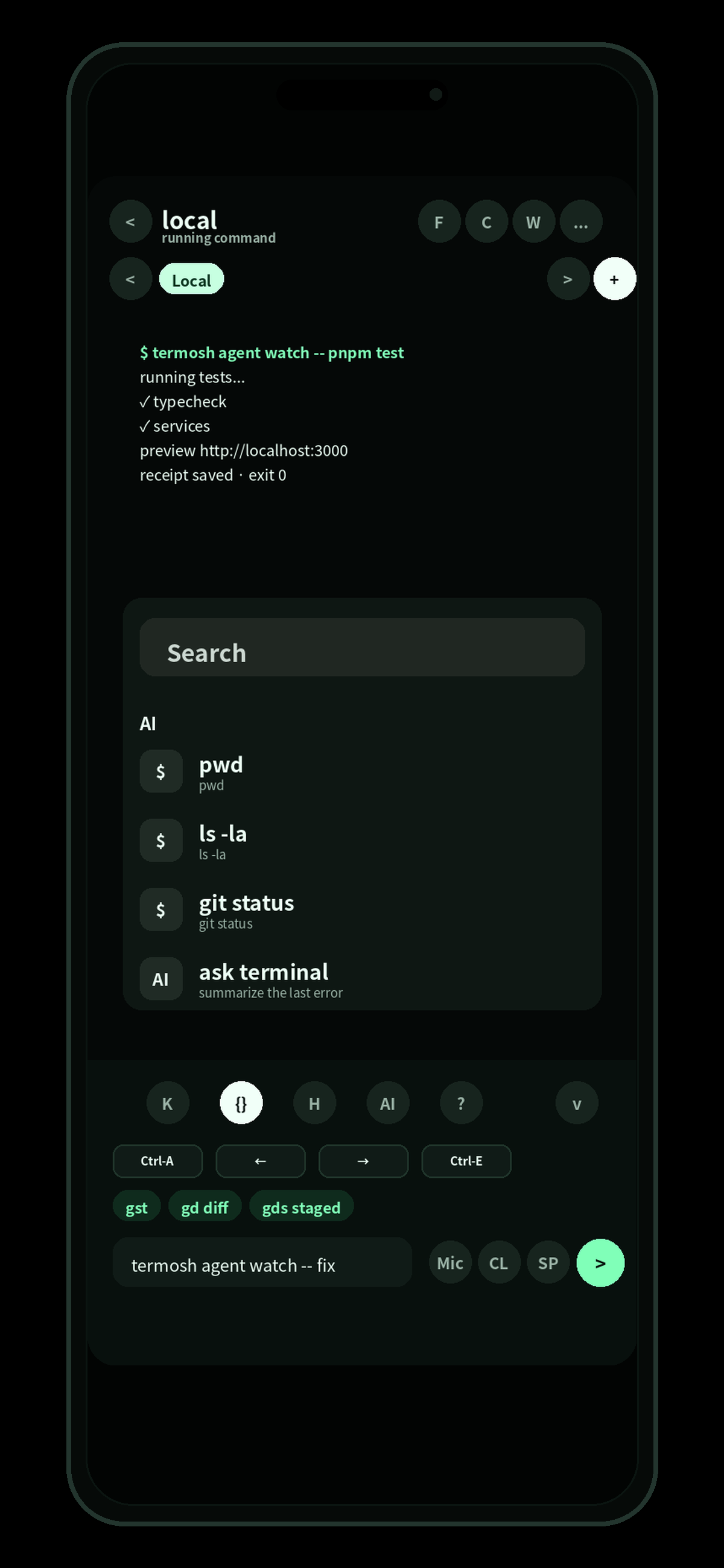
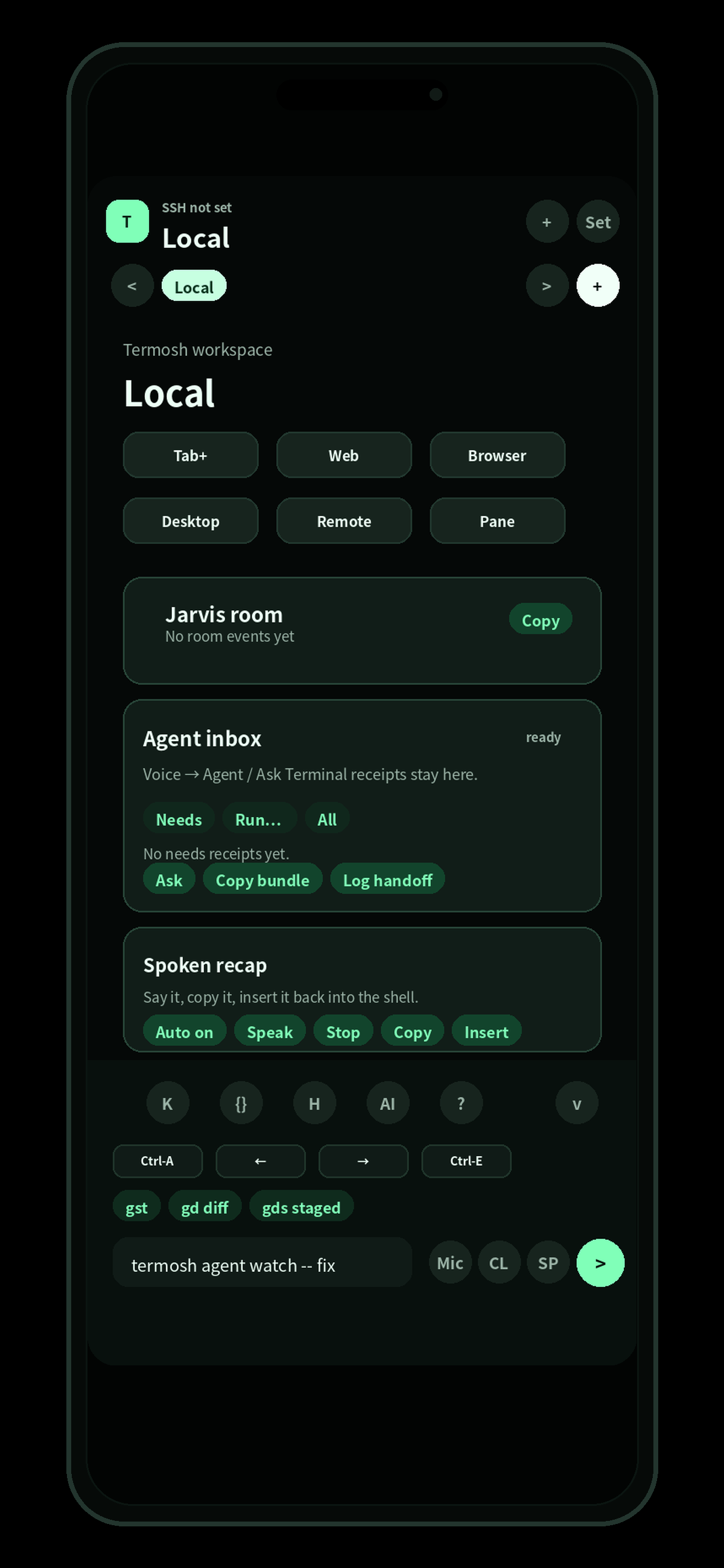
Termosh lets you connect to your work server and keep moving from your phone. SSH, web previews, agent receipts, and tmux session resume when you need it are grouped into one mobile workflow.
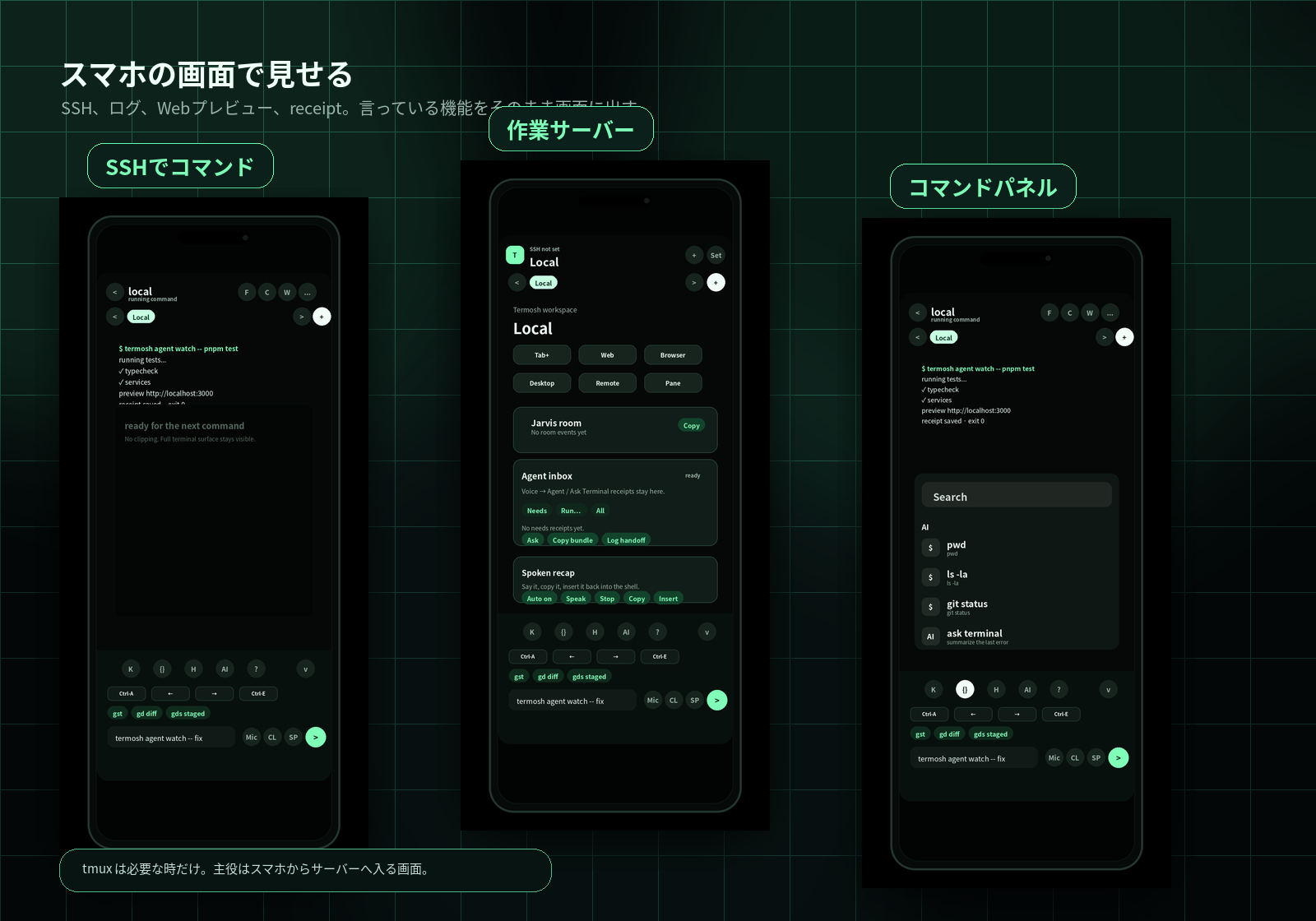
connexion or Tailscale stays outside Termosh. Prepare it only if you need it, then add your work server and use the phone for connection, checks, and commands. tmux is optional for long-running work.
If needed, use Tailscale or another private network so the phone can reach the work server. This is preparation, not a Termosh feature.
Save the host, SSH user, key, and port so you can connect from the phone without rebuilding the setup.
Run commands, read logs, open web previews, and use tmux sessions when you need to continue long-running work.